

by NOVA

7 月 16, 2026
smart switch module OEM projects need a documented B2B selection path. MOES catalog listings can anchor the quote, but distributors and panel builders must first validate wiring, layout, protocol, and the support workflow for the exact project.

Product image from the MOES catalog; verify the exact listing before quote approval.
A smart switch module is specified around the installation enclosure and existing control hardware, while a finished wall switch is specified around the visible plate. Panel builders and OEM teams must confirm box depth, available terminals, rocker or reset input, load type, and protocol before selecting a module.
This distinction matters when a client wants to retain existing rockers or a branded faceplate. A module can support that integration path only when the product listing and the physical enclosure support it. Do not claim a module will fit every back box without an approved drawing and on-site measurement.
| Input | Why it matters |
|---|---|
| Existing rocker/reset control | Determines compatible input path |
| Box depth and cable space | Determines physical feasibility |
| Load type | Determines relay or dimmer suitability |
| Neutral and Line/Load | Determines wiring-valid SKU path |
| Protocol | WiFi/RF433 vs Zigbee hub architecture |
| Branding and labeling | Determines OEM carton and panel requirements |
Collect these inputs in an engineering RFQ, not as notes added after the module order is placed. Photos of the box, rocker, and terminal layout reduce avoidable revisions.
The MOES Mini DIY WiFi and RF433 smart light switch module for reset and rocker switches states reset and rocker switches and 1 Gang 1/2 Way in its title. That supports a listing-level claim about its intended input scope; verify the live page for the exact project before treating it as a design baseline.

Module image from the MOES catalog; verify wiring terminals, depth, and load scope on the listing before installation.
For faceplate replacement rather than rocker retention, see the touch vs rocker installer specification guide.
| Protocol route | OEM planning effect |
|---|---|
| WiFi module | LAN coverage, app pairing, router support |
| RF433 reference | Remote-control workflow must be documented |
| Zigbee module | Gateway BOM and coordinator ownership |
| Mixed program | Separate SKU, firmware, and support paths |
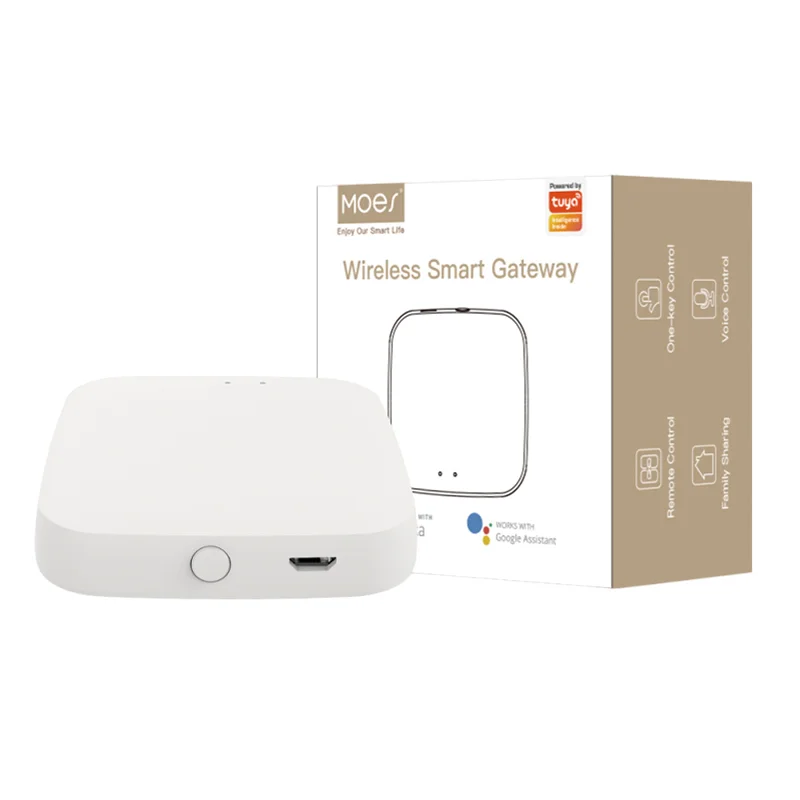
Use WiFi where the panel builder can support the property network and app handover. For a Zigbee program, include gateways in the BOM and align the coordinator with the project system. The WiFi vs Zigbee comparison explains the channel tradeoff without treating either protocol as universally better.
Start with a small sample set that represents actual enclosure depth, cable routing, and load types. Label each sample with the target panel revision and wiring diagram reference. Then separate the commercial BOM into module SKU, optional remote/control accessories, packaging, labeling, and support documentation.

Product image from the MOES catalog; module appearance does not replace a project-specific depth and wiring check.
The MOES Mini DIY WiFi and RF433 smart light switch module listing is the starting point for a rocker-retention sample path. Keep product title scope separate from unverified OEM performance or certification claims.
Avoid module integration when enclosure depth is unknown, wire routing is congested, the load type is undefined, or the client requires a finished certified assembly that has not been documented. Avoid mixing WiFi and Zigbee modules in one drawing without naming the hub, pairing owner, and support workflow.
For a two-wire retrofit, do not presume that a module solves the neutral question. Review the no-neutral retrofit selection guide and use an explicitly suitable listing only after wiring review.
Submit integration questions through Contact Us or send private-label scope through OEM/ODM.
A disciplined documentation path keeps channel claims separate from project assumptions. Record any open question—network coverage, box depth, load, or labeling—in the RFQ so it can be resolved before the purchase order.
It integrates a control module behind an existing panel or rocker after verifying depth, wiring, load, and protocol.
The cited MOES DIY module title references rocker switches; confirm the exact product page and physical box before a project quote.
WiFi modules use the property LAN; Zigbee modules require a coordinator or gateway in the BOM.
Box depth, cable space, terminal layout, rocker type, and panel cutout photos.
No. Wiring class must be verified and the selected listing must explicitly support the project requirement.
Sample quantity, branding, carton language, electrical inputs, protocol plan, and target market.
OTHER SMART DEVICES
6 月 13,2026
OTHER SMART DEVICES
6 月 12,2026
OTHER SMART DEVICES
6 月 12,2026
 +86 137 3639 3028