

by NOVA

7 月 23, 2026
Zigbee temperature and humidity sensor requests look like the simplest line in a smart-building BOM, yet they carry two silent dependencies: a placement plan that keeps readings honest, and a coordinator that carries those readings anywhere useful. This guide covers both, and it is equally direct about a third point — the MOES public catalog search did not verify a standalone Zigbee room sensor SKU, so the exact model belongs in an RFQ, not in a guess.

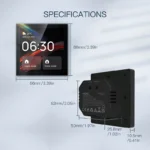
MOES catalog image of a plug-in display device; the standalone room-sensor SKU is confirmed through RFQ.
Climate readings drive three project outcomes: comfort automation, asset protection, and record-keeping. A hotel uses room readings to trim heating schedules; a warehouse watches humidity over packaged goods; a plant room logs both values as maintenance evidence. Each outcome imposes a different reading interval, alert path, and sensor count, so the zone map — not the device price — is the first planning document.
Write the intended outcome next to every zone before any SKU discussion starts. “Bathroom humidity above threshold triggers the fan” is a specification; “add some sensors” is a change order waiting to happen.
Placement determines whether the data means anything. Three rules from installer practice cover most indoor cases.
| Rule | Reason | Typical mistake |
|---|---|---|
| Keep sensors away from direct heat sources and sunlight | Radiated heat skews temperature readings upward | Mounting above a radiator or router |
| Avoid doorways, vents, and window reveals | Moving air produces unstable humidity values | Fixing the sensor beside an extract vent |
| Mount at occupant or asset height per zone purpose | Readings should represent what the zone protects | Ceiling mounting for a desk-level comfort zone |
Cabinets and plant rooms add a fourth rule: leave clearance around the device so trapped air pockets do not become the measurement. Photograph each planned position during the survey; the photos become RFQ attachments and later the acceptance record.
Honesty about catalog evidence keeps the quote defensible. A public search of the MOES catalog verifies temperature and humidity measurement in one listing title — the plug-in carbon monoxide detector with temperature humidity sensor — which is a plug-in safety display device, not a standalone room sensor. No standalone Zigbee temperature and humidity sensor SKU was verified at the time of writing.
That gap changes the paperwork, not the project. The requirement stays real, the placement plan stays valid, and the exact sensor model becomes an RFQ line with datasheet confirmation, following the same evidence discipline used across the Tuya smart home planning guide.
Zigbee sensors report through a coordinator, so the gateway line is as mandatory as the sensors themselves. The Connectivity Standards Alliance documents the mesh architecture: battery devices sleep, mains devices route, and the coordinator bridges everything to the IP network. Commissioning then runs through the Tuya platform for Tuya-based SKUs, which raises the usual handover question — who owns the app account after the project closes.

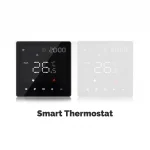
Temperature readings become useful when a control device acts on them; catalog image from the MOES thermostat family.
Plan gateway zones by floor or fire compartment, and count sensors per gateway conservatively. Our Zigbee gateway buyer’s guide covers coordinator sizing, and the Bluetooth Mesh versus Zigbee hub comparison explains what happens when a project mixes radio ecosystems.
| Mesh role | Typical device | Planning note |
|---|---|---|
| Coordinator | Gateway hub | One line per zone; owns commissioning |
| Router | Mains-powered device | Extends hops through the floor plate |
| End device | Battery sensor | Sleeps between reports; cannot route |
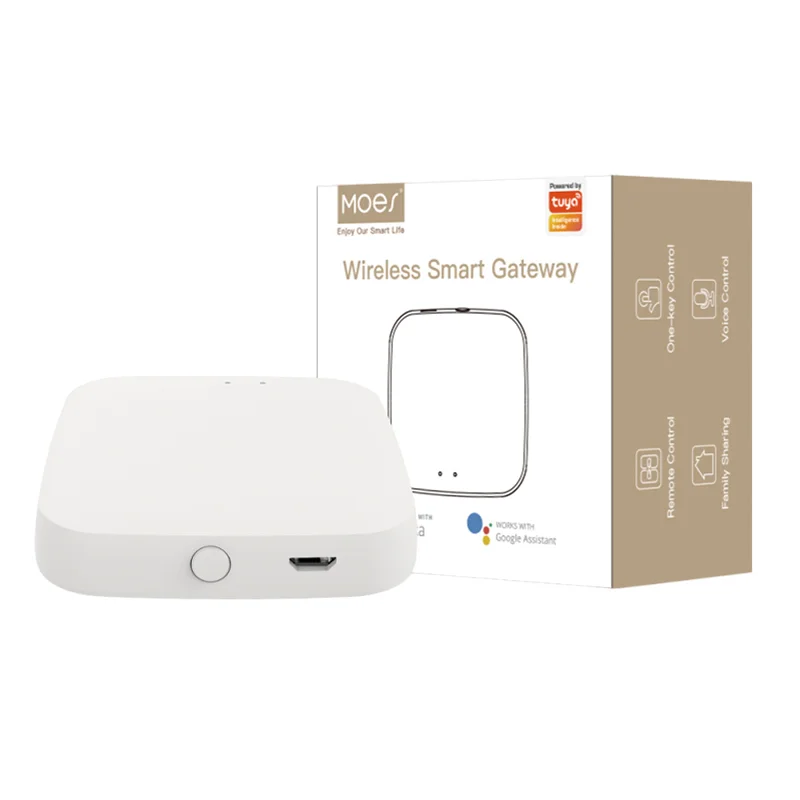
The bounded recommendation for this request is the MOES Tuya ZigBee 3.0 wireless smart gateway hub listing. Its title states an automation control center for Tuya ZigBee 3.0 smart products, and every sensor fleet in this architecture depends on that coordinator role. Ordering the gateway first is therefore the honest move while the sensor SKU is confirmed by RFQ.

Product image from the MOES catalog; the coordinator anchors the sensor BOM while exact sensor models are confirmed.
The plug-in detector stays a deliberate non-substitute. Its title-level function list includes temperature and humidity display, but recommending a plug-in safety device as a room-sensor fleet would misstate the catalog and complicate both certification questions and warranty ownership.
Pause the RFQ when the buyer cannot state what the readings should trigger, when zones lack mounting positions that respect the placement rules, or when the request assumes a standalone SKU that no listing evidence supports. Re-scope toward calibrated instrumentation when the application is regulated — cold-chain compliance and laboratory monitoring need documented calibration, which is a different product category entirely.
Channel history adds one more trigger: orders sized “one sensor per room” without a zone map. Rooms with radiators, glazing walls, or server racks routinely need a second position, and discovering that after delivery converts a clean order into a support case.
Route the package through Contact Us or the OEM/ODM channel, and place the fleet inside the wider other smart devices range so accessories ship in the same consignment.
No. Zigbee devices report through a coordinator, so the gateway line belongs in the BOM before any sensor quantity is finalized.
Away from direct spray, vents, and heat sources, at the height of the zone being protected, with clearance around the housing so trapped air does not distort readings.
A public catalog search did not verify a standalone SKU at the time of writing. The measurement function appears in a plug-in detector listing title, and the exact room-sensor model should be confirmed through RFQ.
That depends on the exact model and its platform integration. Request written confirmation of scene support before building automations on any display device.
Stock per the zone map plus a small spare percentage. Rooms with radiators, glazing, or equipment racks often need a second position, so zone maps beat per-room rules.
Quantities per phase, spares, samples, target market and labeling, packaging, manual language, delivery schedule, and any OEM or ODM branding scope.
OTHER SMART DEVICES
6 月 13,2026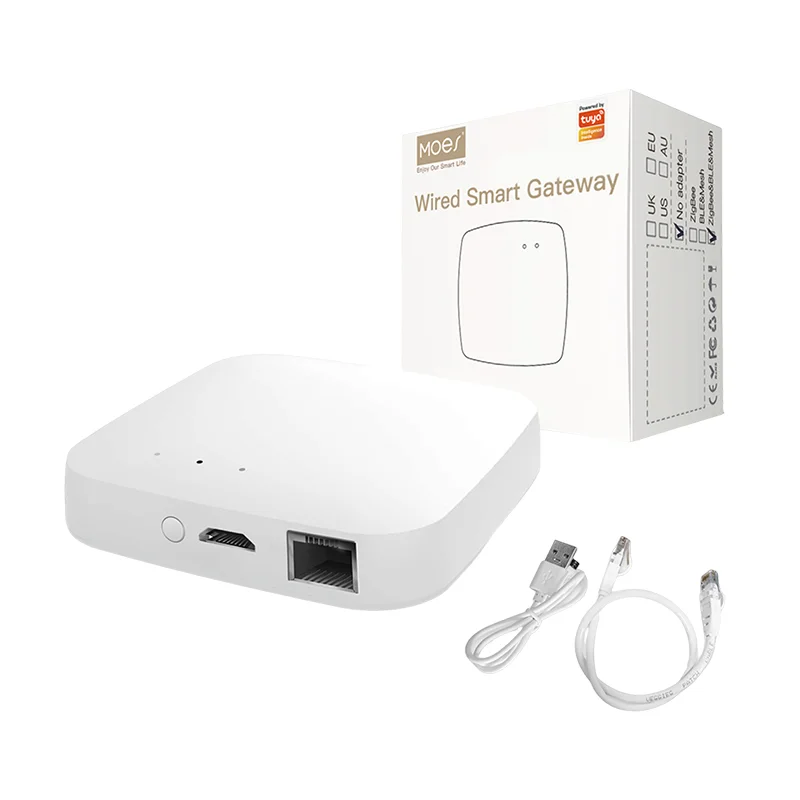
OTHER SMART DEVICES
6 月 12,2026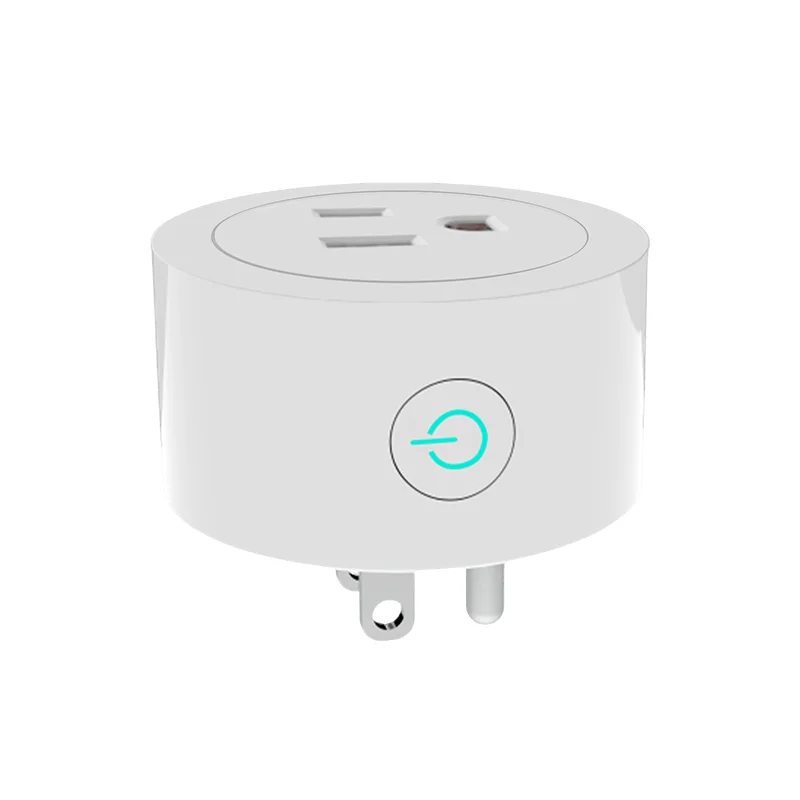
OTHER SMART DEVICES
6 月 12,2026
 +86 137 3639 3028