

by NOVA

7 月 19, 2026
Bluetooth Mesh gateway vs Zigbee hub selection should begin with the device ecosystem already specified for the project. The gateway is not a generic replacement part: it is a coordinator and bridge choice tied to protocol, app path, device mix, and installer support. Document those boundaries before a distributor creates a BOM.
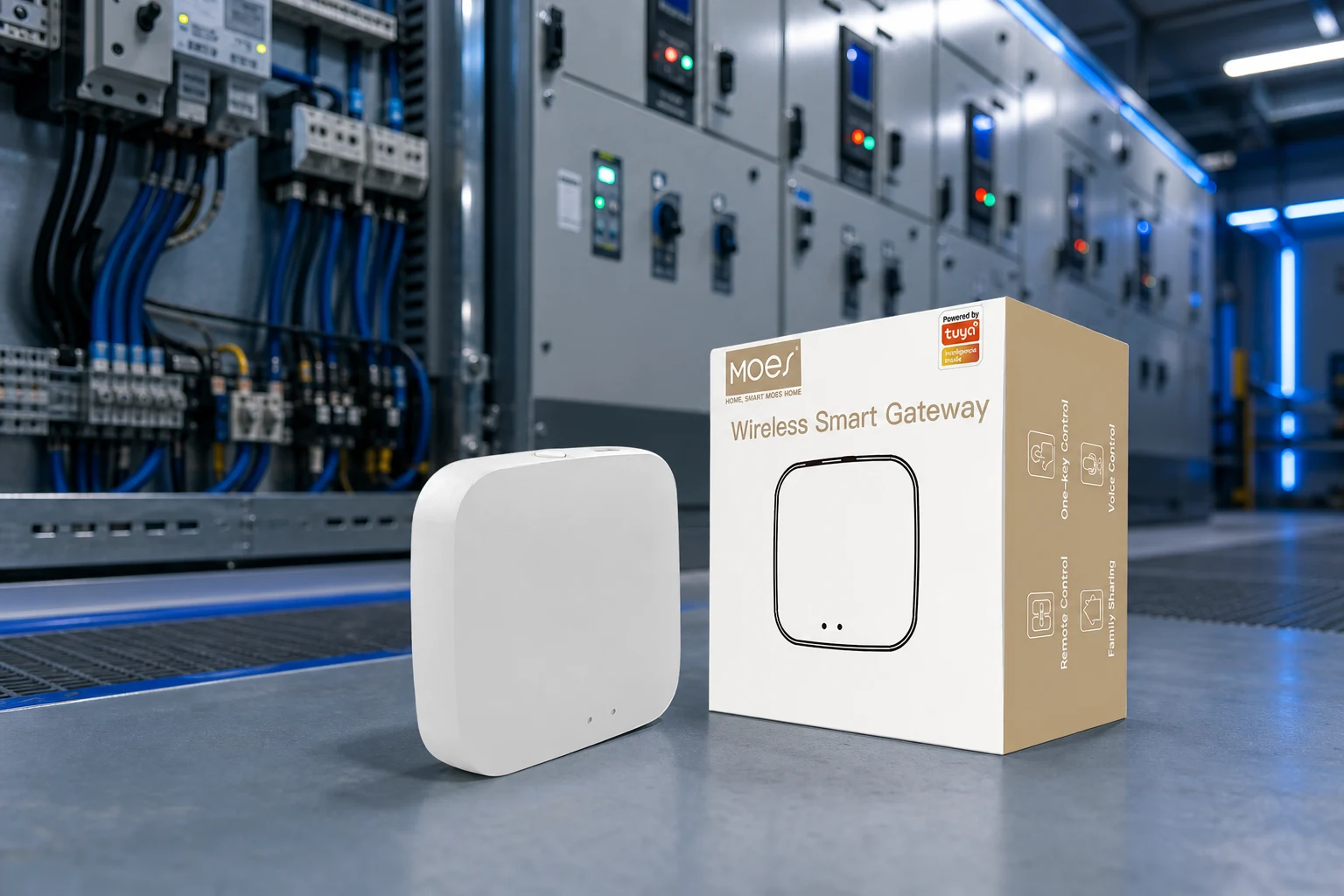
MOES catalog image; verify exact product and project scope before purchase.
List every device by protocol, room, and commissioning owner. Then identify whether the project standard is Bluetooth Mesh, Zigbee, or a multi-mode architecture. Gateway selection also needs site network information, target app workflow, spare quantity, and the expected support owner after handover. A gateway title can describe its own protocol language, but it cannot prove compatibility with every third-party device or controller.
| BOM field | Bluetooth Mesh gateway | Zigbee hub |
|---|---|---|
| Device ecosystem | Bluetooth Mesh/SIG device path | Zigbee coordinator/device path |
| Mesh planning | Powered mesh device roles | Coordinator and powered router roles |
| Gateway line | Match exact Bluetooth listing | Match exact Zigbee listing |
| Support kit | Pairing/app workflow | Coordinator placement and pairing |
Keep both protocol lines distinct in the quote. Combining them under a generic “hub” label obscures the actual device and support boundary.
The MOES Wireless Tuya Bluetooth Gateway Smart WiFi Hub listing uses Bluetooth Mesh/SIG gateway wording in its title. The MOES Tuya ZigBee 3.0 Wireless Smart Gateway Hub listing is a separate Zigbee reference. Treat these as two product-specific starting points; verify exact live listing scope before project approval.
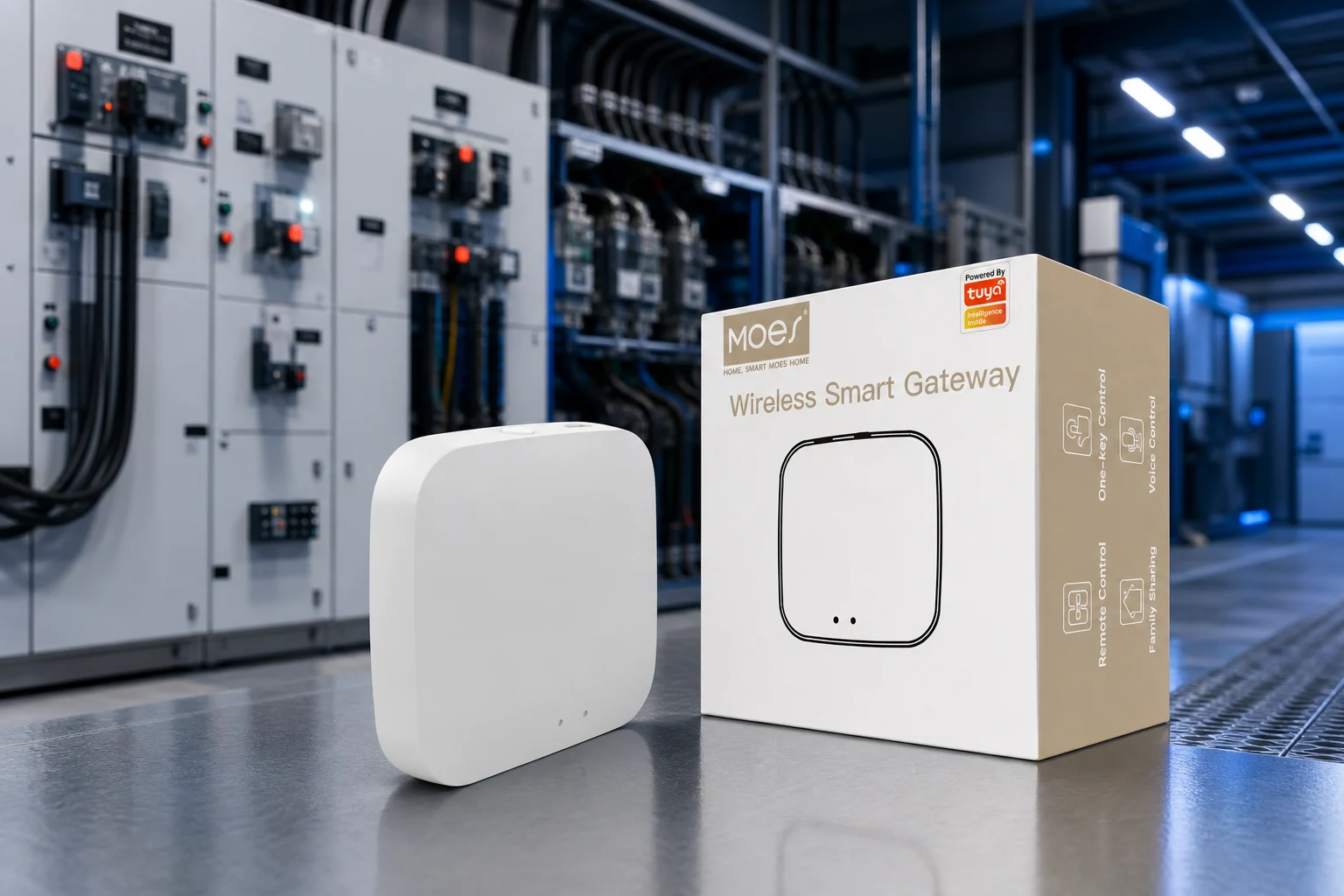
Illustrative MOES gateway media; final device compatibility must be checked against the exact product page.
Name the installer who pairs devices, the person who owns app credentials, and the escalation path if a gateway is replaced. For commercial buildings, plan gateway quantity by building segment and retain spare units with their matching protocol label. The Zigbee gateway buyer’s guide provides deeper Zigbee context; do not apply its coordinator rules to Bluetooth Mesh devices without confirming the project architecture.
A multi-mode gateway may be relevant when a project intentionally documents more than one protocol, but it still requires an explicit device and support matrix. The MOES Tuya Smart Wired Multi-mode Smart Home Gateway should be reviewed against its exact live title and product page. Do not use “multi-mode” as a promise that all protocol devices, platforms, or firmware paths will work together automatically.
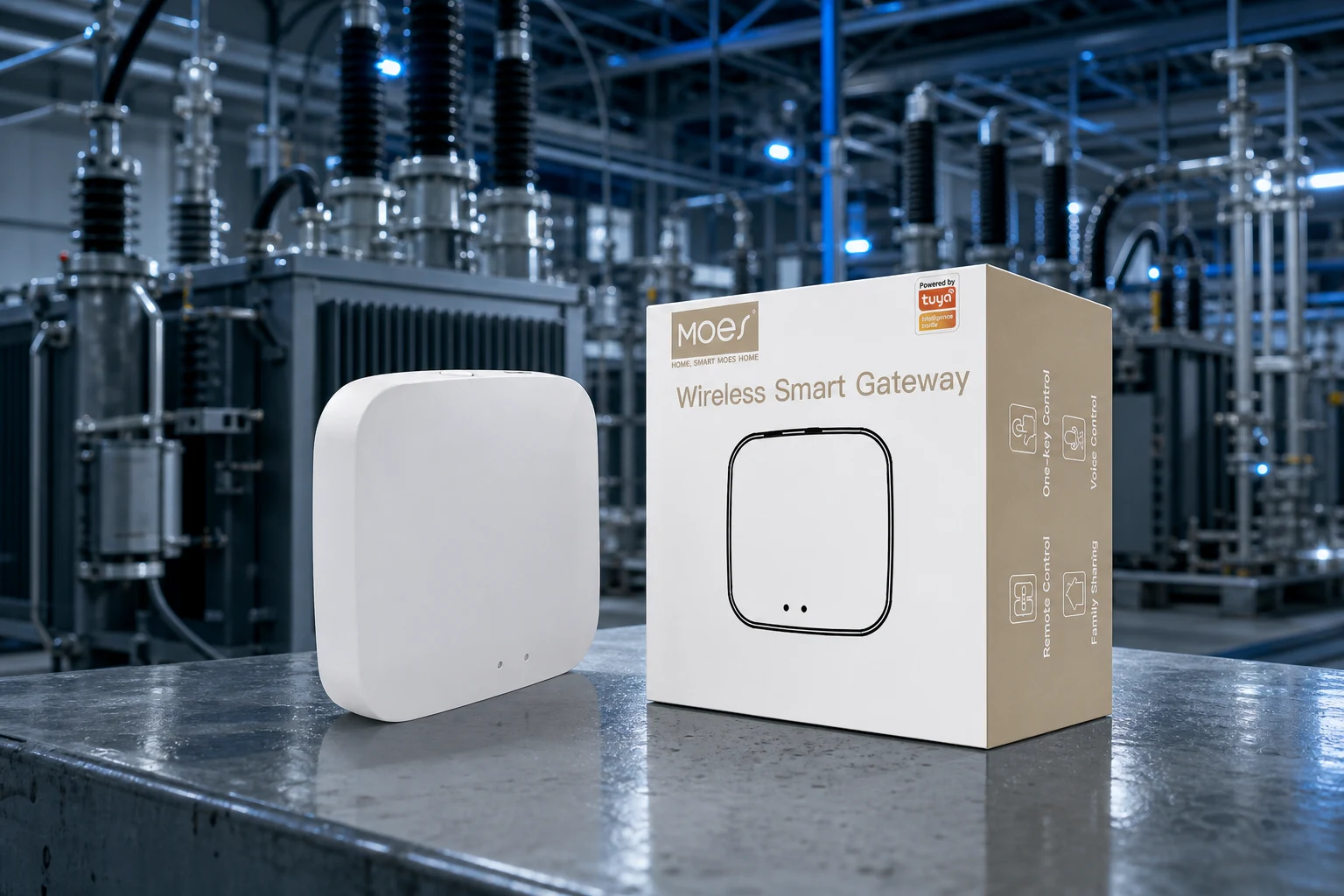
MOES gateway illustration; confirm actual protocol, controller, and device scope before the quote.
Avoid substitution when the installed device ecosystem is unknown, when the buyer cannot identify the controller or app path, when a project requires a named protocol standard, or when gateway placement has not been planned. A Bluetooth Mesh gateway should not be substituted for a Zigbee coordinator just because both are sold as smart-home hubs. The same caution applies to multi-mode gateways without a documented compatibility matrix.
Submit the architecture brief through Contact Us or OEM/ODM.
Reliable B2B documentation distinguishes a buyer requirement, a public listing claim, and a project-specific confirmation. Keep all three visible in the RFQ and release process.
Verify exact model evidence, physical installation data, protocol or network path, and support ownership.
They clarify panel, enclosure, wall, device, or gateway placement requirements before the quote.
No. It only bounds the exact public listing and never replaces project-specific evidence.
Pause when the model, function, physical fit, target market, or required approval evidence is undefined.
Name the pairing, network, gateway, replacement, and escalation owner.
Samples, spares, quantities, labeling, target market, branding, and OEM/ODM scope.
OTHER SMART DEVICES
6 月 13,2026
OTHER SMART DEVICES
6 月 12,2026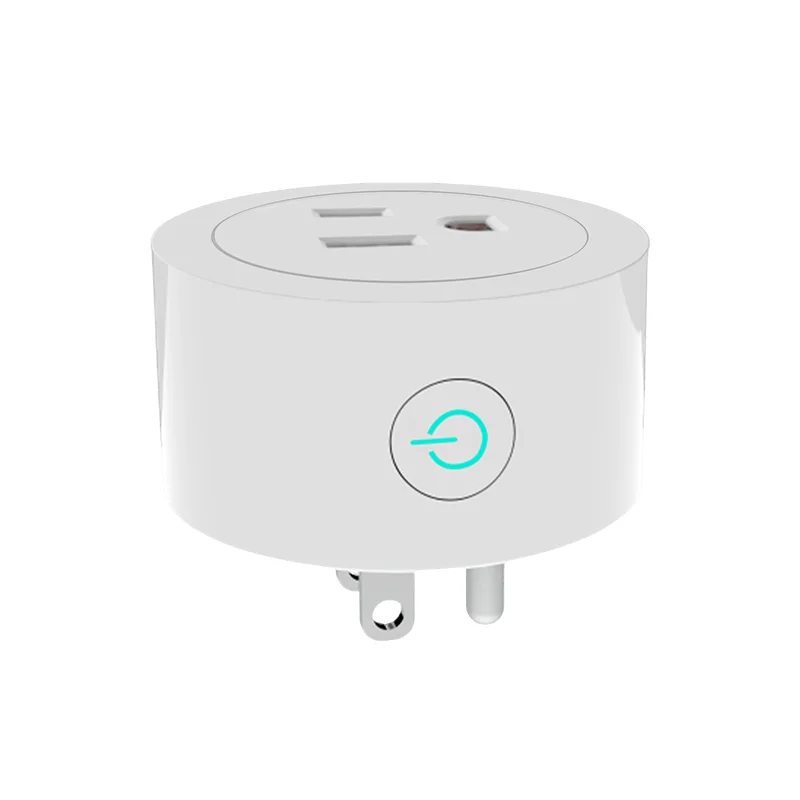
OTHER SMART DEVICES
6 月 12,2026
 +86 137 3639 3028