

by NOVA

7 月 19, 2026
Smart WiFi breaker requests require exact evidence before a contractor quotes a panel device. The current verified MOES catalog data available for this project does not identify a standalone WiFi breaker with published pole, interrupting, protection, or approval specifications. This guide turns that gap into an RFQ checklist instead of guessing from product names or images.

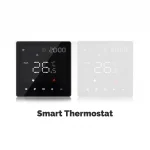
MOES catalog image; verify exact product and project scope before purchase.
Collect the panel schedule, single-line diagram, supply voltage, pole count, load type, required protection function, installation enclosure, target market, and approval requirements. These inputs determine whether the buyer needs a monitoring device, a remote-control switch, a protection device, or a qualified breaker. A generic “WiFi breaker” request does not identify any of those specifications. Contractors should also record who holds responsibility for electrical design and panel modification.
| Device class | Typical evidence needed | Do not assume |
|---|---|---|
| Circuit breaker | Pole count, protection curve, interrupting rating, approvals | A relay/module equals breaker protection |
| Smart relay/module | Load type, control path, wiring, enclosure | It provides all panel protection functions |
| Energy monitor | Metering specification and CT scope | It can interrupt a fault |
This distinction protects installers from substituting a low-voltage or lighting-control component into a panel protection role.
The verified MOES catalog includes a Tuya WiFi smart dimmer switch module whose title includes “breaker light dimmer switch.” That wording supports only a title-level module reference. It does not prove a circuit-breaker rating, pole count, protective function, or suitability for every panel.

Catalog illustration; it is not presented as proof of a standalone protective breaker specification.
Document the property LAN path, access-point coverage at the panel location, pairing owner, cloud/app workflow, and service escalation owner. WiFi control is an additional system layer; it does not replace the electrical design review. If the buyer’s requirement is remote operation plus monitoring, split those functions in the RFQ and request an exact MOES model page or datasheet for every claimed capability.
For lighting-control projects, the cited Tuya WiFi smart dimmer switch module listing can be evaluated as a module only within its exact title and live product-page scope. It is not the recommendation for a protective breaker RFQ. The appropriate next action for a breaker requirement is supplier confirmation of the required model, datasheet, electrical rating, and market approval evidence.

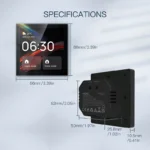
Product image from the MOES catalog; confirm exact function and electrical evidence before use.
Pause if pole count, protection duty, fault rating, panel fit, local approval, or the exact product model is absent. Pause if the requester uses a dimmer, relay, smart switch, and breaker as interchangeable terms. Also pause when remote WiFi operation is requested without a named network and safety-owner workflow. A paused RFQ is safer than a substitution based on an image or an incomplete listing title.
Send the evidence request through Contact Us before any specification is issued.
Reliable B2B documentation distinguishes a buyer requirement, a public listing claim, and a project-specific confirmation. Keep all three visible in the RFQ and release process.
Verify exact model evidence, physical installation data, protocol or network path, and support ownership.
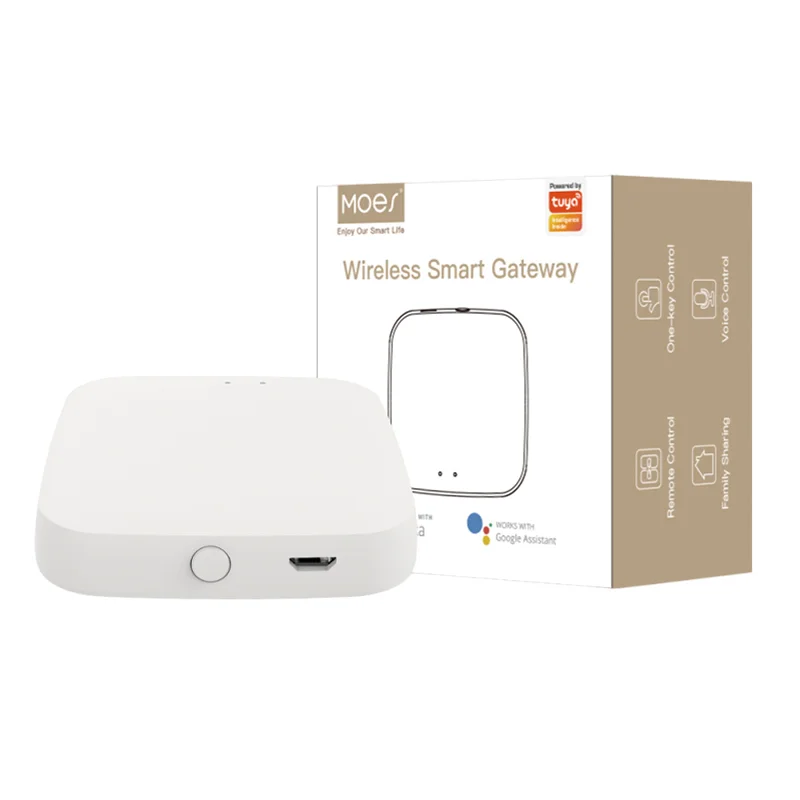
They clarify panel, enclosure, wall, device, or gateway placement requirements before the quote.
No. It only bounds the exact public listing and never replaces project-specific evidence.
Pause when the model, function, physical fit, target market, or required approval evidence is undefined.
Name the pairing, network, gateway, replacement, and escalation owner.
Samples, spares, quantities, labeling, target market, branding, and OEM/ODM scope.
OTHER SMART DEVICES
6 月 13,2026
OTHER SMART DEVICES
6 月 12,2026
OTHER SMART DEVICES
6 月 12,2026
 +86 137 3639 3028