

by NOVA

7 月 17, 2026
Smart socket and switch combos work best when installers plan outlets, lighting controls, plate layouts, and network support on the same RFQ. Treating sockets as a late add-on can create outlet-format conflicts, mismatched faceplates, or an unclear WiFi/Zigbee support path.
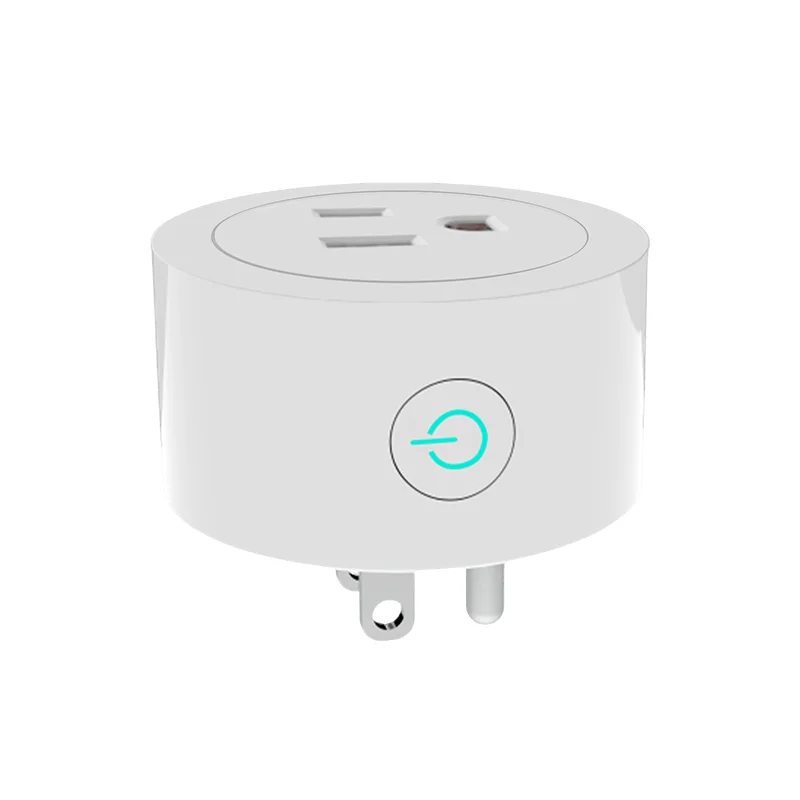
Product image from the MOES catalog; verify exact listing scope before quote approval.
First identify which rooms need powered outlets, USB charging, switched lighting, or dimming. Then map the destination market outlet format, preferred plate finish, gang layout, and app workflow. A combined kit should not be formed simply because two products share a wall; the physical plate family and the electrical install phase must also align. Record whether the project wants a finished smart outlet, a standard outlet next to a smart switch, or separate plates.
| BOM item | Primary selection field | Installer risk |\n|—|—|—|\n| Smart wall socket | Outlet format, USB ports, powered circuit | Wrong format or port expectation |\n| Smart switch | Gang count, wiring, protocol | Wrong neutral or plate layout |\n| Gateway | Zigbee segment only | Missing coordinator in BOM |\n| Faceplate/accessories | Finish and box fit | Visible mismatch or rework |\n\nThe distinction keeps a charging request from being accidentally quoted as a lighting-control line, and keeps switch wiring requirements visible to the installer.
Outlet format must be matched to the destination market and the exact listing title. USB and Type C ports should also be recorded as a separate requirement, not assumed from a product image. The WiFi Smart Power Wall Socket with Type C and USB dual outlet plug listing is a relevant combined-outlet example; verify the live product page before issuing a quote.\n\n \n\nCatalog image; confirm outlet format, port type, and project wiring before purchase.
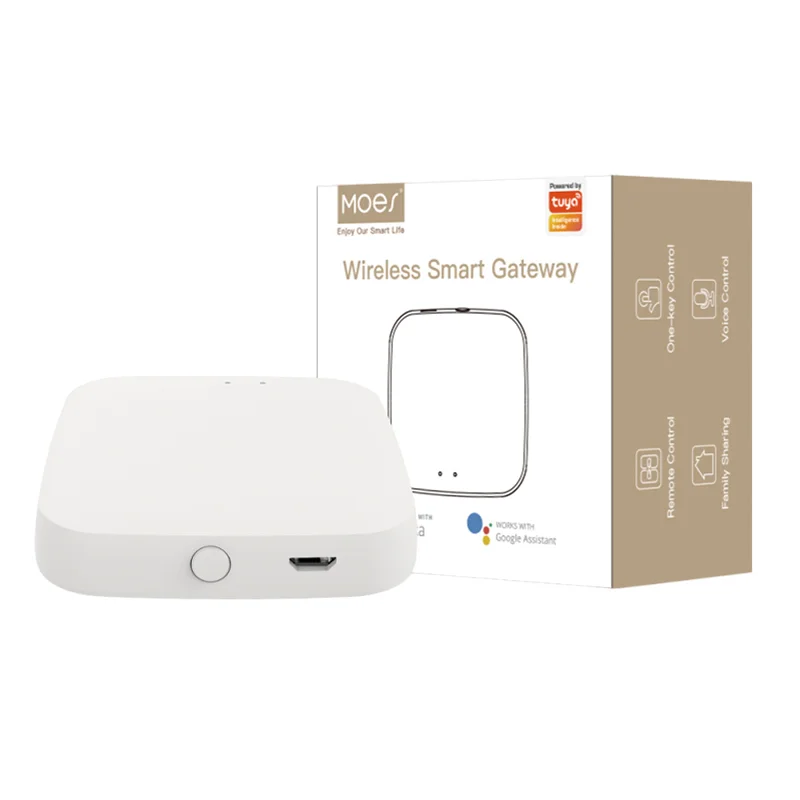
A WiFi socket may use the property LAN while Zigbee lighting switches require a gateway. That is valid if the BOM clearly labels which device belongs to which network and who supports pairing. Do not tell installers that the two protocols are interchangeable just because both appear in a Tuya-centered project. Use the WiFi vs Zigbee comparison to set the channel rules and record hub quantity for every Zigbee segment.
Use the socket listing as the outlet line and the smart switch category for the lighting line. A typical project may pair the Type C/USB wall socket listing with a separately selected WiFi or Zigbee switch that matches its wiring and gang needs. For dimmed circuits, consult the WiFi dimmer switch guide rather than assuming an on/off switch can dim a driver.\n\n \n\nProduct image from the MOES catalog; confirm the exact outlet and switch variants separately on live product pages.
Separate the lines when outlet formats differ by region, when outlet rough-in and switch commissioning are assigned to different crews, or when a switch location needs a no-neutral variant but the outlet is a normal powered circuit. Separate the support documentation as well: outlet port information is not an app-pairing guide, and a Zigbee gateway instruction is not an outlet-format approval.
A reliable installer package keeps commercial assumptions separate from product listing evidence. Any open question about wiring, outlet format, plate fit, network coverage, or support ownership belongs in the RFQ before the purchase order is issued.
Confirm project layout, wiring, protocol, physical format, and the exact live listing before purchase.
Include the existing wall plate, box, wiring, room location, and any adjacent device layout.
WiFi needs a documented LAN workflow; Zigbee needs a gateway BOM and coordinator ownership.
Split it when markets, wiring classes, protocol segments, or installation phases differ.
No. The title bounds a SKU claim but does not replace photos, drawings, or project-specific checks.
Quantity, samples, spares, carton language, market, labeling, and OEM/ODM requirements.
OTHER SMART DEVICES
6 月 13,2026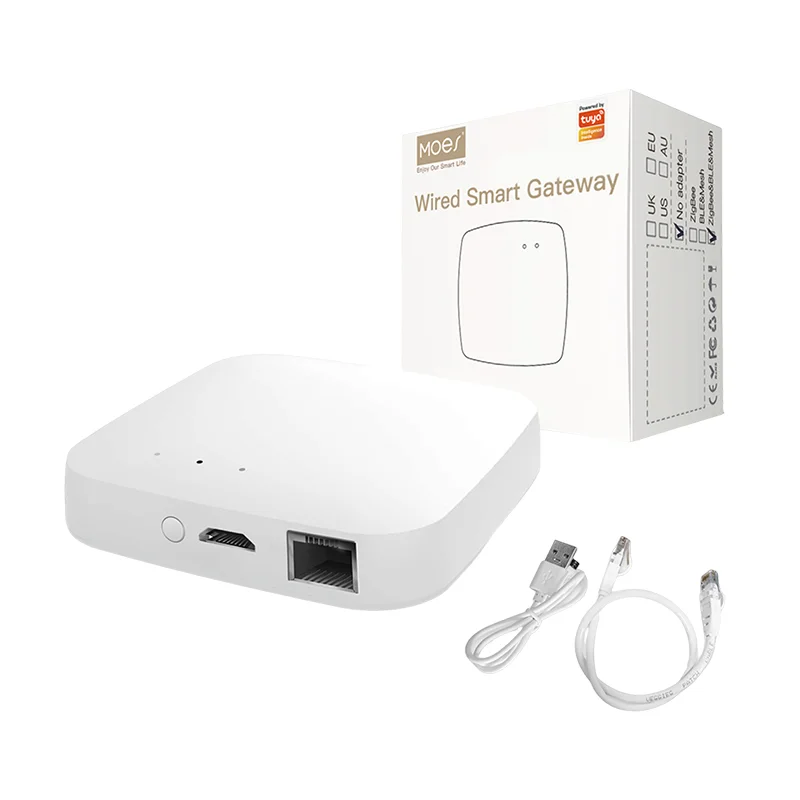
OTHER SMART DEVICES
6 月 12,2026
OTHER SMART DEVICES
6 月 12,2026
 +86 137 3639 3028