

by NOVA

7 月 15, 2026
WiFi vs Zigbee smart switch choices shape a distributor’s SKU mix, gateway BOM, and installer support load. WiFi switches connect each device to the LAN; Zigbee switches route through a compatible hub and mesh. The better stocking path depends on project scale, router capacity, neutral-wire availability, and whether the customer already standardizes on Tuya/Smart Life—not on protocol preference alone.
Start with project scale and infrastructure, not the lowest switch price.
A distributor should also confirm neutral-wire availability and app ecosystem (Tuya/Smart Life, Alexa, Google) before locking a protocol line. Those inputs change which MOES listing is valid for the job even when the customer asks only for “smart switches.”

Wall switch product image from the MOES catalog; verify gang count, wire requirement, and listing variant on the product page before quoting.
| Dimension | WiFi smart switch | Zigbee smart switch |
|---|---|---|
| Network attachment | Each switch connects to the Wi-Fi router/AP | Switch joins a Zigbee coordinator via a hub/gateway |
| Typical hub | Usually none per switch | Compatible Zigbee gateway required |
| Topology | Star to access point | Mesh through mains-powered nodes |
| IP addresses | One per switch on LAN | Coordinator holds IP; switches are Zigbee nodes |
| Standby power profile | Higher per device than Zigbee IoT design | Lower-power IoT radio design |
Zigbee is built for low-power device networks with relay nodes. Wi-Fi is built for IP connectivity on a shared LAN. Neither replaces electrical safety or wiring verification—they solve network architecture questions.
From the channel: B2B switch guides consistently separate “entry WiFi packs” from “hub + Zigbee mesh” bundles because the BOM and support model differ, not just the radio. — Alibaba smart wall switch configuration guide
Each WiFi switch consumes router association capacity. Consumer routers often tolerate modest smart-home counts, but installer programs should plan AP density when a property exceeds a small switch count. WiFi also shares the crowded 2.4 GHz band with other household devices, which can affect latency in busy RF environments.
Zigbee projects require a gateway line item (hub BOM) in the distributor BOM. Powered wall switches act as mesh repeaters, which can improve coverage as more devices are added—useful in multi-room hotels, apartments, and whole-home retrofits.

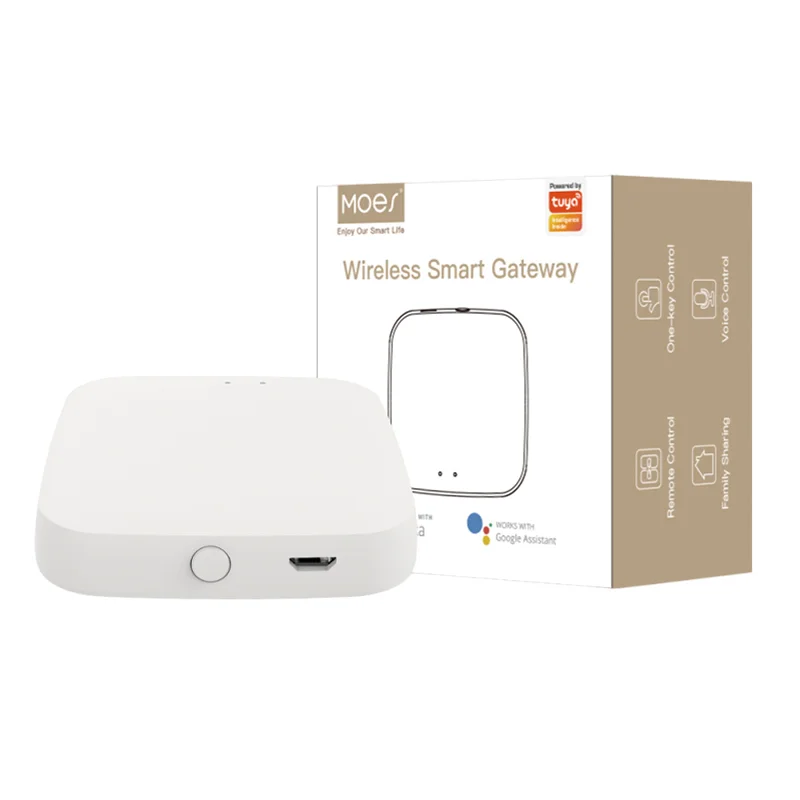
Gateway image from the MOES catalog; pair gateway SKU with Zigbee switch lines and confirm Tuya/Smart Life compatibility on the product page.
| Project profile | Typical stocking bias | Gateway in BOM? |
|---|---|---|
| Single-room or demo kit | WiFi on/off or dimmer SKUs | Optional |
| 10–20 switch retrofit | Evaluate router/AP plan for WiFi; or Zigbee + 1 hub | Zigbee: yes |
| Hotel / multi-dwelling rollout | Zigbee switches + gateways per building segment | Yes |
| Retail pack (consumer DIY) | WiFi for simplicity | Usually no |
Reliability is not only “which protocol wins.” Distributors should score:
Comparison articles for whole-home automation often favor mesh-based lighting at scale because powered switches extend coverage without adding router associations—while WiFi remains attractive for fast, hub-free starter kits. Treat those as planning heuristics, not universal performance guarantees for a unnamed SKU.
Use the smart switch category as the commercial pillar, then split listings by protocol and wire requirement.
The MOES Tuya WiFi Smart Switch 1–4 Gang listing product title states neutral wire in its scope. Position WiFi gang switches for new work or boxes with neutral present—not as the default answer for every 2-wire retrofit.
Pair Zigbee switches with a MOES Tuya ZigBee 3.0 Wireless Smart Gateway Hub or the wired multi-mode gateway where the project requires it. Deep single-protocol guidance already exists in the Zigbee smart switch buyer’s guide and Zigbee gateway buyer’s guide—link them as siblings, not duplicates.
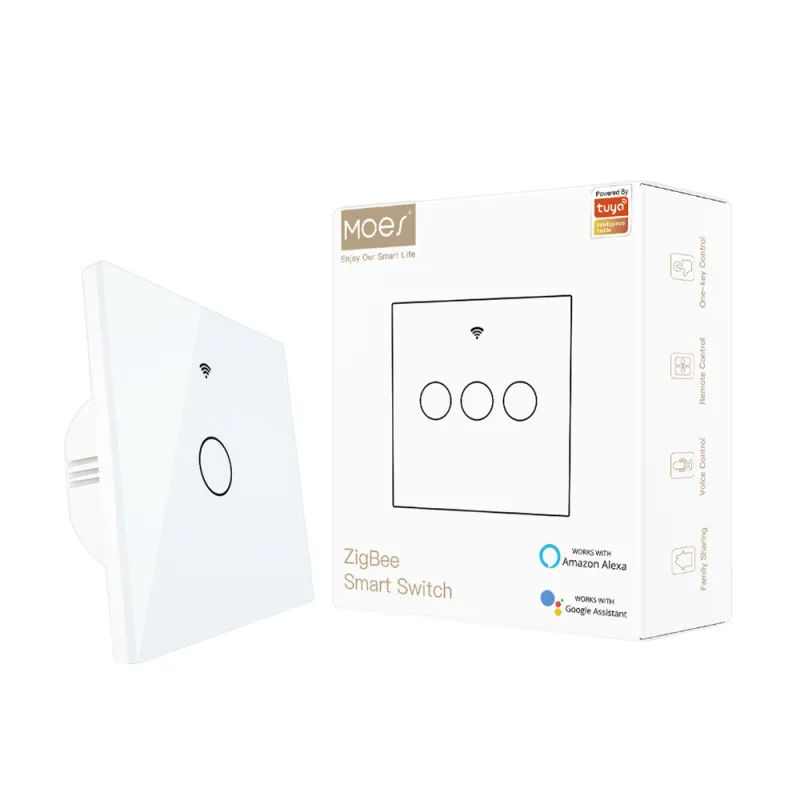
Crystal glass Zigbee switch image from the MOES catalog; confirm neutral vs no-neutral variant on the product page and RFQ.
For a channel-ready Zigbee example, review the MOES ZigBee crystal glass wall touch smart light switch listing and split quotes by variant title—not by protocol alone.
Do not treat “WiFi + Zigbee” as interchangeable in the same installer quote without documenting:
Also avoid recommending:
Matter-capable lines introduce a third cross-ecosystem layer; the Matter smart home compatibility guide covers that boundary separately.
Send these fields to MOES for a channel-ready mix:
Need a channel SKU mix for your market? Share property size, wire types, and gateway rules through the MOES contact page for a distributor-oriented quote.
WiFi switches join the building LAN device-by-device. Zigbee switches join a Zigbee network through a hub and can use mesh routing through powered nodes.
Yes—a compatible Zigbee coordinator/gateway is required for Tuya/Smart Life control in typical MOES Zigbee bundles.
They are often simpler to explain when the switch count is low and the site has reliable Wi-Fi coverage, provided the wiring matches the SKU (including neutral requirements).
Yes. Use protocol-specific listings, gateways for Zigbee, and clear install guides so installers do not cross-wire SKUs.
Both Wi-Fi and Zigbee often use 2.4GHz radios in residential deployments. Distributors should document AP placement and hub location as part of the installer kit—not assume RF isolation.
That guide covers Zigbee selection depth. This article compares WiFi vs Zigbee for stocking strategy only.
OTHER SMART DEVICES
6 月 13,2026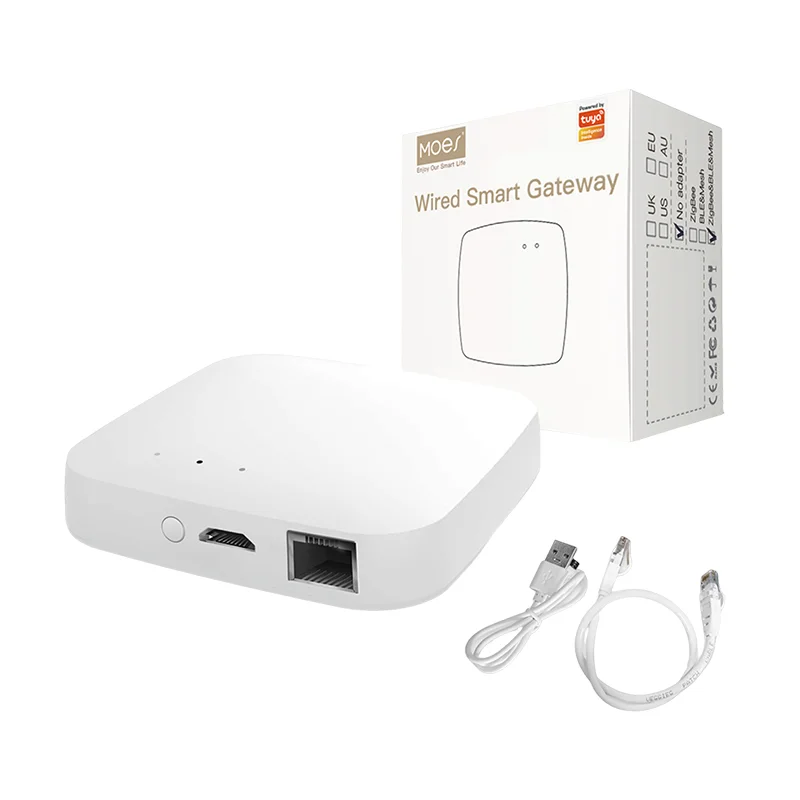
OTHER SMART DEVICES
6 月 12,2026
OTHER SMART DEVICES
6 月 12,2026
 +86 137 3639 3028